
File Review
For files that cut badly, upload messy, or land at the wrong size. Each review includes a clear diagnosis and a step-by-step correction plan.
Graphic design for makers
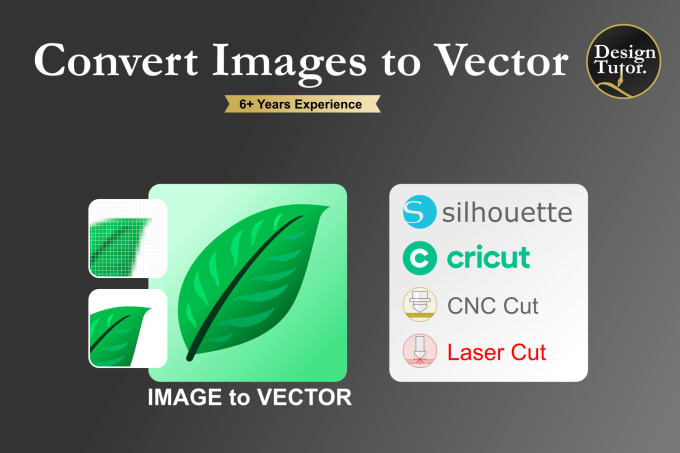
Your Design Tutor is a graphic design company specializing in Inkscape workflows, vector cleanup, and practical design training. The focus is simple: turn messy images and problem files into clean SVG assets, and teach the workflow behind them.
What we do
For files that cut badly, upload messy, or land at the wrong size. Each review includes a clear diagnosis and a step-by-step correction plan.
Live training built around real design files. Sessions cover tracing and redraws, path cleanup, layers, exact sizing, and export for production.
Guided practice projects for Cricut makers, including the Cricut Fundamentals Practice Pack: starter files, broken files to repair, guided steps, and solutions.
Selected work

The process
Built for Cricut and Silhouette makers: shirts, decals, stickers, tumblers and signs. Teaching and digital file guidance only. No physical printing, cutting or shipping.
Good to know
No. Your Design Tutor focuses on training and guided file correction, so clients learn what is wrong and how to fix it in Inkscape.
Yes. Training is practical and step by step. Inkscape just needs to be installed before a live session.
Yes. Size, cut boundary and export choices for print-then-cut designs are all covered.
No. Work is based on general workflow using client-owned or licensed designs only.